Resize Signature Online
Set custom width & height for any document upload
How to Use Signature Resizer Online
Resize signature images for SSC, Banking, Railway, NTA, Defence and government exam forms in a few simple steps.
- Upload your signature image in JPG, JPEG, or PNG format using the upload button.
- Enter custom signature width and height in pixels or centimeters according to exam guidelines.
- Crop, rotate, zoom, and align the signature properly inside the preview area.
- Adjust brightness and contrast to improve signature clarity and background quality.
- Download the optimized signature image in JPG format for online form submission.
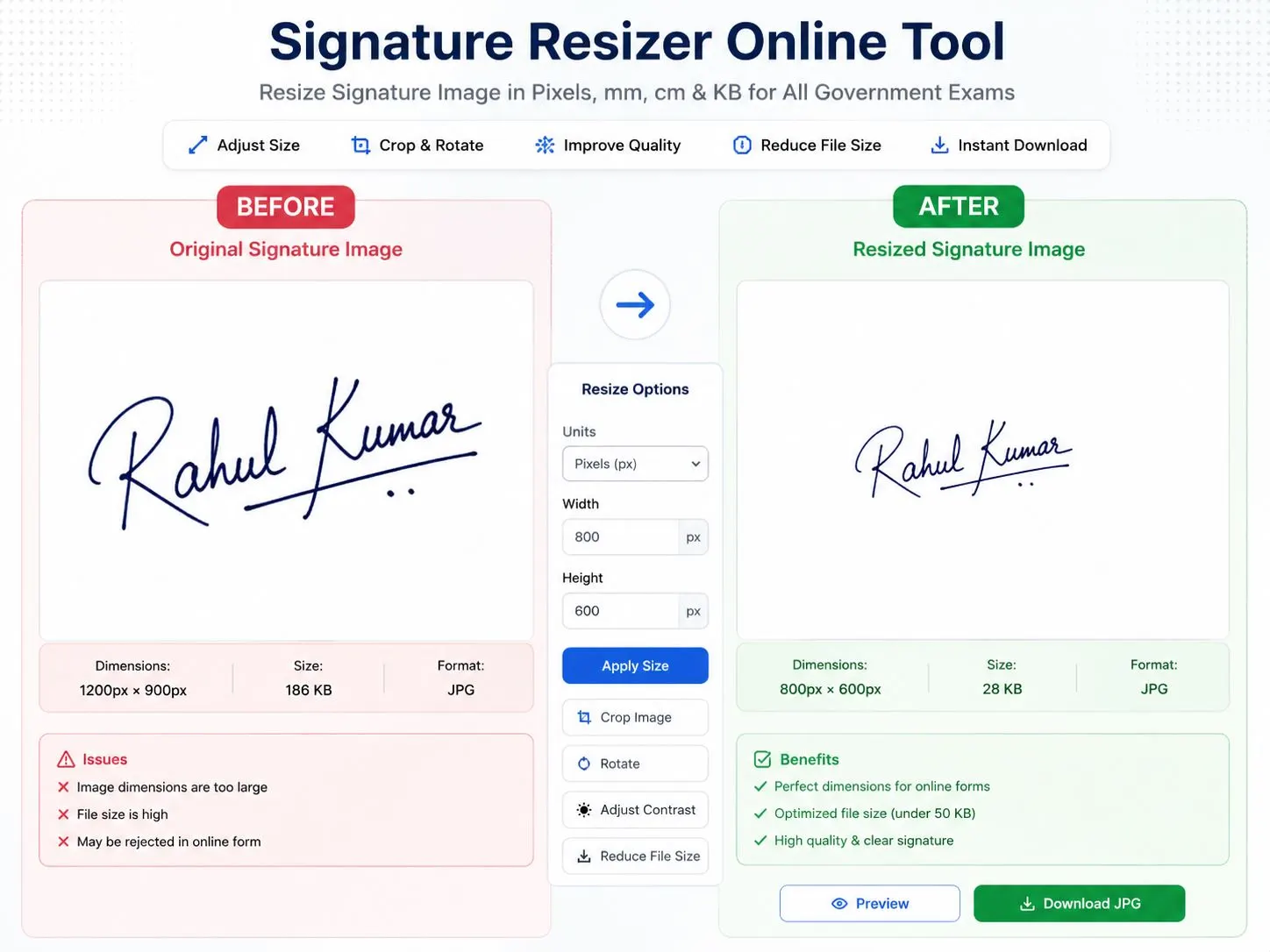
The Universal Signature Resizer helps students and job applicants resize signature images for SSC, Banking, Railway, Defence, UPSC, PSC, NEET, JEE Main, CUET, GATE, and other online application forms. Many government portals reject signatures because of incorrect dimensions, low clarity, unsupported format, or file size issues. This tool solves those problems with real-time signature resizing, cropping, compression, and contrast adjustment.
You can set custom signature width and height in pixels or centimeters, improve signature visibility, crop unwanted background areas, rotate tilted signatures, and download optimized JPG files instantly. The tool is designed for online exam forms, recruitment registrations, scholarship portals, admit card uploads, university admissions, and document verification systems.
Unlike many basic signature resize websites, this tool provides live preview support, adjustable export quality, high DPI JPG generation, brightness tuning, zoom controls, and browser-based image processing for better privacy. Your uploaded signature never leaves your device because all processing happens locally inside the browser.
The resizer supports black ink signatures, scanned signatures, white background signatures, handwritten signatures, digital signatures, and application form signature uploads. It works on Android phones, iPhones, tablets, laptops, and desktop browsers without installing software.
Features
Resize Signature in KB
Reduce or optimize signature image file size for SSC, IBPS, SBI, Railway, NTA, and state exam forms.
Custom Width & Height
Set signature dimensions in pixels or centimeters according to official exam upload guidelines.
Crop & Straighten Signature
Adjust signature alignment, crop extra white space, rotate, and zoom precisely before download.
Improve Signature Clarity
Enhance ink contrast and background brightness for cleaner online application uploads.
Supports JPG & JPEG
Create optimized JPG signatures compatible with most online exam and recruitment portals.
Secure Browser Processing
Your images stay on your device. No image is uploaded or stored on external servers.
Latest Government Exam Signature Size Requirements
Recommended signature dimensions and upload guidelines for SSC, Banking, Railway, NTA, Defence, PSC and entrance examinations.
| Exam | Category | Signature size | Signature Dim | Format | Name + Date |
|---|---|---|---|---|---|
| SSC CGL 2026 | SSC | 10–20 KB | 140×60 px | JPG | Yes |
| SSC CHSL 2026 | SSC | 10–20 KB | 140×60 px | JPG | Yes |
| SSC GD 2026 | SSC | 10–20 KB | 140×60 px | JPG | Yes |
| IBPS PO 2026 | Banking | 10–20 KB | 140×60 px | JPG | No |
| IBPS Clerk 2026 | Banking | 10–20 KB | 140×60 px | JPG | No |
| SBI PO / Clerk 2026 | Banking | 10–20 KB | 140×60 px | JPG | No |
| RRB NTPC 2026 | Railway | 10–40 KB | 140×60 px | JPG | No |
| RRB Group D | Railway | 10–40 KB | 140×60 px | JPG | No |
| RPF Constable / SI | Railway | 10–20 KB | 140×60 px | JPG | No |
| Agniveer 2026 | Defence | 4–30 KB | 140×60 px | JPG | No |
| NEET 2026 (NTA) | Medical | 4–30 KB | 3.5×1.5 cm | JPG | No |
| JEE Main 2026 (NTA) | Engineering | 4–30 KB | 3.5×1.5 cm | JPG | No |
| CUET UG 2026 | Entrance | 4–30 KB | 3.5×1.5 cm | JPG | No |
| GATE 2026 | Engineering | Up to 400 KB | 2×7 cm | JPG | No |
| UPPSC RO/ARO | State PSC | Composite | OTR Portal | JPG | No |
What is the best signature size for government exams?
Most SSC, Banking, Railway, and Defence exams require signature images between 10 KB and 50 KB in JPG format with dimensions around 140×60 pixels.
Can I resize signature in cm and pixels?
Yes. The tool supports both centimeter and pixel-based resizing for NTA, GATE, SSC, and state exam portals.
Are my uploaded images stored?
No. All processing happens locally in your browser for better privacy and security.