PAN Card Photo Resize Tool
Create PAN card photos in the exact size required for NSDL and UTI applications. Crop, resize, adjust brightness, and download compressed photos instantly online without quality loss.
Online PAN Card Photo Resizer Tool
Uploading a passport photo for a PAN card requires meeting strict requirements set by NSDL (Protean) and UTIITSL. If your file size exceeds 50 KB or the pixel resolution is off by even a single pixel, the government validation process will reject your application. This online PAN card photo resizer tool processes your photographs locally inside your browser, ensuring complete privacy, zero upload delays, and immediate compatibility.
NSDL Photo Specifications
- Physical size: 3.5 cm × 2.5 cm
- Pixel Dimensions: 197 px width × 276 px height
- Required Resolution: 200 DPI (Dots Per Inch)
- File Size Window: 20 KB to 50 KB
- Supported Format: JPEG / JPG
UTIITSL Photo Specifications
- Physical size: Square aspect ratio
- Pixel Dimensions: 213 px × 213 px
- Required Resolution: 300 DPI (Dots Per Inch)
- File Size Window: Under 30 KB
- Supported Format: JPEG / JPG
How to Use the PAN Card Photo Resize Tool
- 1. Upload Your Photo
- 2. Select PAN Photo Format
- 3. Crop and Adjust the Image
- 4. Preview the PAN Card Photo
- 5. Download the Resized PAN Photo
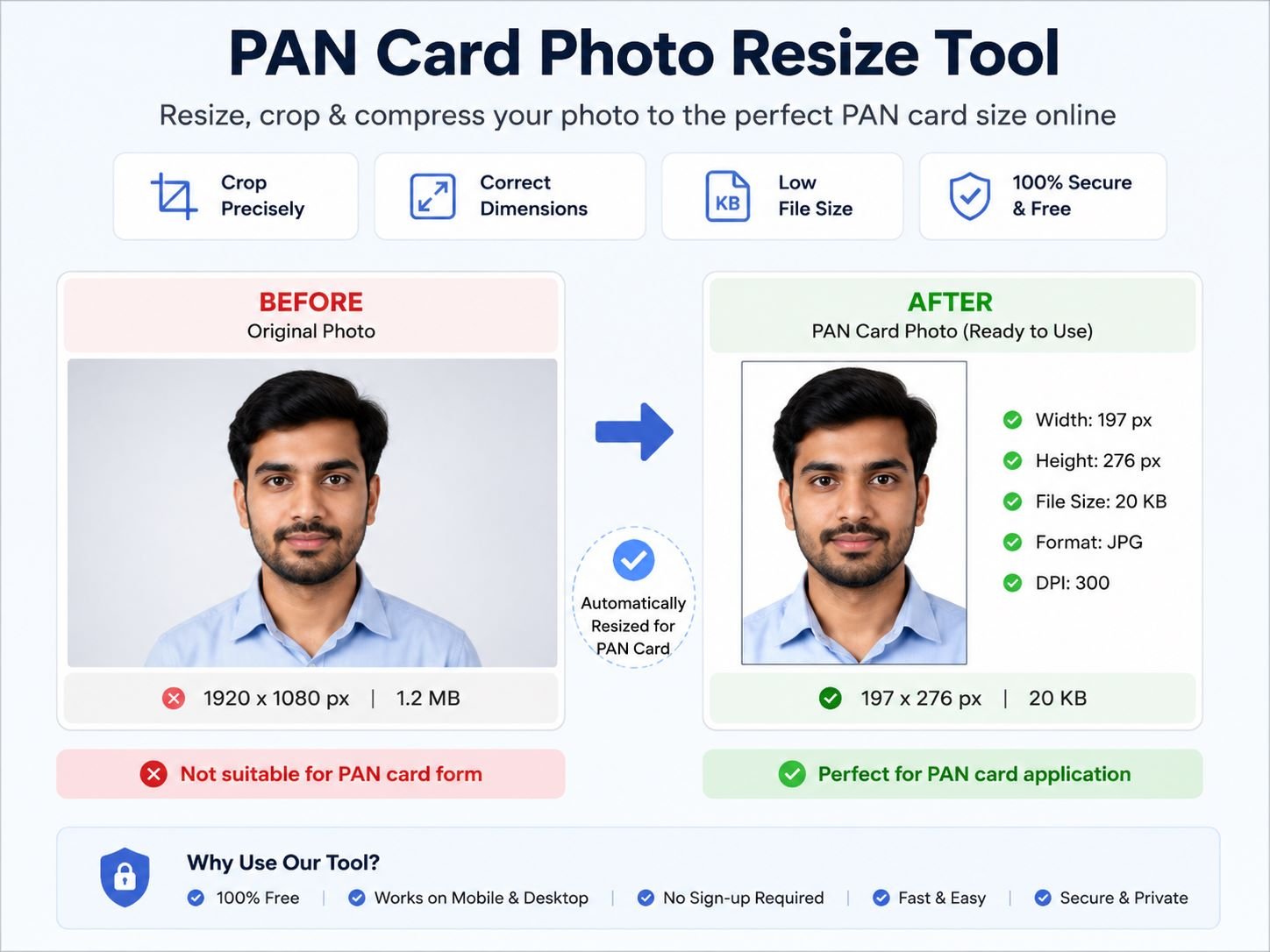
Resize PAN Photo to 3.5cm × 2.5cm Size
Create PAN card photos in the required 3.5cm × 2.5cm dimensions with automatic cropping and resizing. This tool helps you generate PAN application photos in the correct width, height, and JPG format.
Online PAN Card Photo Maker for NSDL & UTI
Use this online PAN Card Photo Maker to adjust brightness, crop face position, resize image dimensions, and download optimized PAN photos for NSDL and UTI PAN card forms.
Compress PAN Card Photo Without Losing Quality
Reduce PAN card photo file size online while maintaining image quality. Compress and optimize PAN application photos to meet upload size limits easily on mobile or desktop.
Crop and Convert PAN Photo Online on Mobile
Upload your image, crop it properly, resize dimensions, and download a ready-to-use PAN card photo directly from your Android phone, iPhone, laptop, or desktop browser.
Frequently Asked Questions
What is the correct PAN card photo size?
The standard PAN card photo size is 3.5cm × 2.5cm. This PAN Card Photo Resize Tool automatically converts your image into the correct dimensions for NSDL and UTI applications.
Can I resize PAN card photos online for free?
Yes, you can resize, crop, and compress PAN card photos online for free using this tool without installing any software.
Does this tool work on mobile phones?
Yes, the PAN Card Photo Resize Tool works on Android phones, iPhones, tablets, laptops, and desktop browsers.
Will my photo be uploaded to any server?
No, your image is processed directly inside your browser. Photos are not uploaded or stored on any server.
Can I compress PAN card photo size without losing quality?
Yes, this tool optimizes and compresses PAN card photos while maintaining clear image quality for PAN application uploads.
Which image formats are supported?
You can upload JPG, JPEG, PNG, and WEBP images and convert them into the required PAN card photo format.